
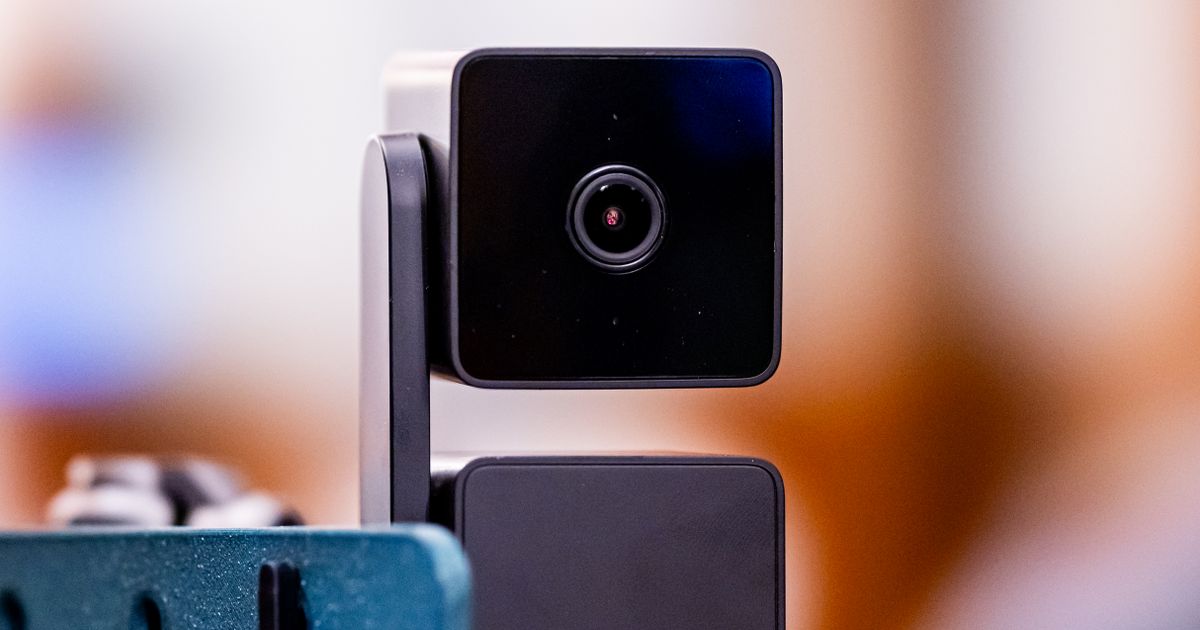
Upgrading the camera is the standard advice for a bad video call, and it is usually given as if “external” were a quality tier. It is not. Looked at on published numbers, webcam vs built in laptop camera is a comparison that one entry-level clip-on camera can lose, because resolution, field of view and focus type all overlap. Logitech is a useful test case here, because the company publishes both the argument against laptop cameras and the specifications of its own cheapest alternative.
This is an independent editorial review. Logitech did not review or approve this article.
The material quoted below is the seller’s own marketing and product documentation, including a buying threshold the company sets for itself. It is not an independent test result, and specifications and listings change, so treat every figure as read on the date given rather than as a permanent property of any model.
The claims side by side
| Specification | What the maker says about a laptop camera | What an entry external camera lists |
|---|---|---|
| Resolution | “Typically 720p” | “widescreen HD 720p” |
| Field of view | “Fixed, typically narrow”, given as a 60 to 70 degree range | A 60 degree diagonal figure |
| Focus | Limited by the space available for lens parts | “fixed focus” |
| Microphone | Varies with where it sits in the machine | “single, omnidirectional mic” |
| Position | “Fixed in laptop bezel” | “universal clip”, movable |
| Thermal environment | Shares a case with a working processor | Its own housing |
Where the maker argues against the lid
The company’s own comparison article is blunt about the built-in option. Embedded cameras, it says, “are unable to capture you at an optimal angle”, and it repeats the point in plainer language: an embedded camera “will almost always capture you from a terrible angle”. Its comparison table scores a laptop camera “Poor; struggles with backlighting and low light” on lighting and “Fixed in laptop bezel” on positioning, and it notes the obvious operational limit that “the embedded camera is not available” when the lid is shut.
A separate company whitepaper adds the physical reasons. Embedded cameras do not have the depth for a multi-piece lens stack, so “focal length is limited, making images in shorter distances not as crisp”. They “provide little freedom to adjust camera position”. And there is one argument that almost never appears in consumer coverage at all: “Heat generated by a laptop can affect the sensor of an embedded webcam or increase noise in an image.”
Every one of those is a real difference. None of them is resolution, which is the number the aisle sorts on.
A webcam vs built in laptop camera comparison falls apart at the entry tier
Run a webcam vs built in laptop camera comparison on the cheapest clip-on in the maker’s own shop and the result is awkward. Its product page describes “widescreen HD 720p” video, “fixed focus”, a “single, omnidirectional mic” and a “universal clip”, with a 60 degree diagonal field of view. Set that against the same company’s laptop column, which gives “Typically 720p” and a field of view described as “Fixed, typically narrow” inside a 60 to 70 degree range.
So on three of the four specifications a shopper is likely to check, the entry external camera matches the thing it is sold to replace. The page even frames itself that way, inviting the buyer to “Step up from built-in laptop optics”.
The sharper version of the problem is that the company sets a minimum and this model sits under it. Its whitepaper advises buyers to “Seek a webcam that provides at least 69 degrees of diagonal field of view”, and adds that a figure in the high seventies is better still. The 60 degree model is nine degrees below the seller’s own floor. The whitepaper also recommends autofocus and “dual stereo microphones”, and the entry model has neither.

Asking webcam or built in laptop camera which is better gets a geometry answer
Put as webcam or built in laptop camera which is better, the question invites a yes. Put as a geometry question, it resolves cleanly: the one thing a lid camera can never change is where the lens is, and the one thing every external camera changes is exactly that.
A laptop camera sits in the top bezel of a panel that is tilted for reading, not for filming. The lens therefore looks up at you from below eye level, and the tilt that makes the screen comfortable is the tilt that makes the framing poor. No sensor improvement fixes that, because it is not an imaging fault. Lift the same camera onto a monitor at eye height and the framing problem disappears without a single specification changing.
That is why the useful shortlist is short.
- Mounting range: can it clip to the display you actually use, and sit at eye level?
- Field of view, checked against the seller’s own stated minimum rather than against the laptop.
- Focus type: fixed or autofocus, stated plainly on the listing.
- Microphone count, if the camera is meant to replace the laptop’s audio as well.
- Whether the housing is separate from the machine generating heat.
Working through that list on Logitech‘s own listings is quicker than reading reviews, because the specification labels are consistent across models.
What a webcam vs built in laptop camera review usually skips
A webcam vs built in laptop camera review tends to shoot two test frames in one room and call it settled. Three things get missed, and all three are checkable before purchase.
- The low-light claim is a feature name, not a measurement. Automatic light correction appears on the listings with no published threshold, no test condition and no caveat, so there is nothing to compare between two models.
- The field of view is a buying constraint, not a bonus. A wider frame suits more than one person at the desk, and the seller publishes a minimum for that reason.
- Heat is invisible in a test shot. A sensor sitting beside a working processor behaves differently in the tenth minute of a call than in the first.
The current range is here if you want to compare the figures:
Related guides
- Home Office Keyboard vs Laptop Keyboard
- Ergonomic Mouse vs Standard Mouse: What Logitech Lists
- Monitor for Work and Gaming vs Dedicated Gaming Monitor
Frequently Asked Questions
Four questions follow naturally once the entry tier turns out to overlap with the laptop.
Ques: Is every external camera better than a laptop camera?
No. On resolution, field of view and focus type, an entry external model can match or trail a modern laptop camera. What it reliably changes is where the lens sits and how far the sensor is from the machine’s heat.
Ques: Does 1080p or 4K actually help on a call?
Less than the number suggests, because the platform decides what it sends and the room decides how much light reaches the sensor. A higher figure gives headroom, not a guarantee.
Ques: What field of view should I look for?
The maker publishes its own floor at 69 degrees diagonal and suggests the high seventies for a better result. Anything in the low sixties is in the same band as a laptop lid.
Ques: Can I keep using the laptop microphone?
Often yes, and it may be the better option. An entry camera carries one omnidirectional microphone, while the seller’s own advice for business calls is a stereo pair, so the camera is not automatically an audio upgrade.
Bottom line
Buy an external camera for position, lens depth and thermal separation, because those are the three things a lid cannot offer at any price. Do not buy one for resolution alone, and check the field of view against the maker’s published minimum before assuming the upgrade is real.