

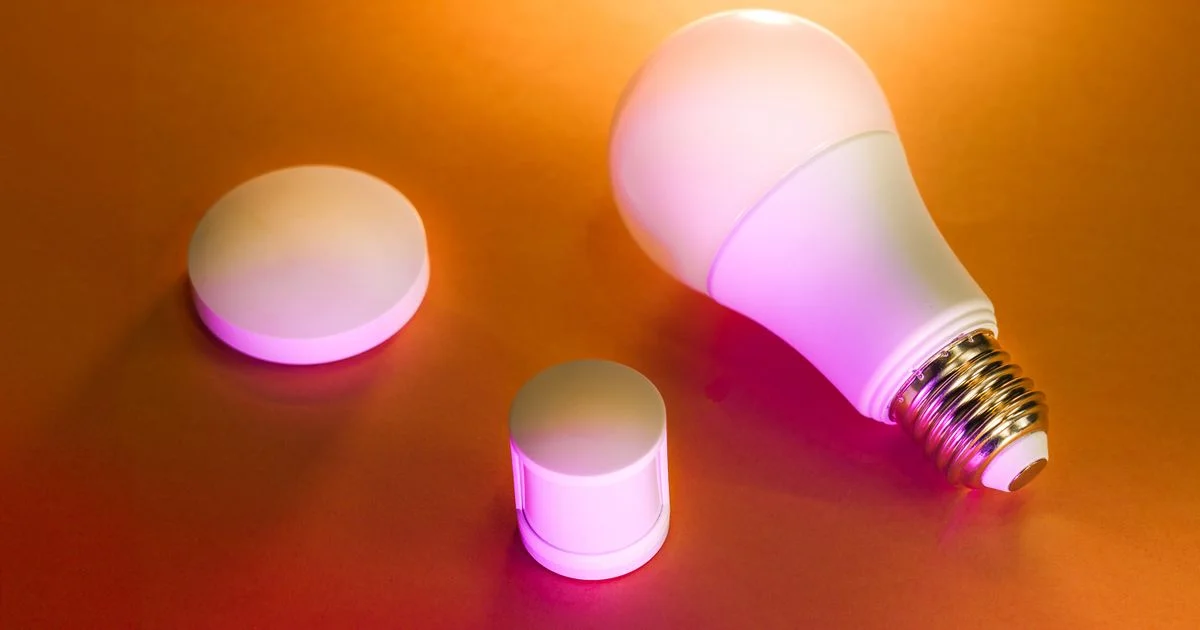
Smart lighting is where most people start with home automation, and it is also where most people get stuck. You buy three bulbs, they work, and then you add a fourth from a different brand and nothing talks to anything. The best smart lights for home automation are the ones that fit the system you plan to build, not just the ones that were on sale this week.
Key Takeaways
- Decide on bulbs, switches, or strips before brands. They solve different problems and mixing them badly causes most complaints.
- Matter support is the single most useful thing to check now — it decides whether your lights still work if you switch platforms later.
- A hub costs more upfront but gives faster, more reliable response and takes load off your Wi-Fi.
- Smart bulbs fail in one predictable way: someone flips the wall switch off and the bulb goes dumb. Plan for this.
- Two or three automations you keep are worth more than twenty you set up once and never use.
What Makes the Best Smart Lights for Home Automation Actually Work
The short answer: reliability beats color range. A light that responds instantly every single time gets used daily. One that hesitates for two seconds gets replaced by the wall switch within a month. The best smart lights for home automation are chosen for how they connect, not for how many million colors the box claims.
Every smart light connects in one of a few ways. Wi-Fi bulbs talk straight to your router — simple to set up, no extra hardware, but each bulb takes a slot on your network. Fill a house with them and your router starts complaining.
Zigbee and Thread bulbs use a low-power mesh instead. Each bulb relays for its neighbors, so coverage improves as you add more. They need a hub or border router, which is the extra cost, and in exchange you get the response speed that makes lighting feel built-in rather than bolted on.
Why Matter changed the calculation
Matter is the interoperability standard that lets devices from different brands work under one app and one voice assistant. Before it, choosing a brand meant choosing an ecosystem more or less permanently. Buying Matter-compatible lights now is the cheapest insurance against changing your mind later.
Bulbs, Switches, or Strips: A Smart Lights for Home Review
Any useful smart lights for home review has to start here, because picking the wrong form factor is the mistake that actually annoys people. All three are good. They are good at different things.
| Type | Best for | The catch |
|---|---|---|
| Smart bulbs | Renters, color changing, single lamps | Dies if someone flips the wall switch off |
| Smart switches | Whole rooms, ceiling fixtures, households with guests | Wiring work; often needs a neutral wire |
| Light strips | Accent lighting, under cabinets, behind screens | Adhesive fails over time; cutting limits reuse |
| Smart plugs with lamps | Cheapest entry, existing lamps | On/off only — no dimming or color |
| Smart fixtures | Cleanest look, best light quality | Most expensive, hardest to change later |
The pattern most households land on: switches for ceiling lights that everyone uses, bulbs for lamps where color matters, strips for accents. Renters skip the switches entirely.

A Smart Lights Home Installation Guide That Avoids the Usual Traps
This smartlights home installation guide is deliberately boring, because the boring order is the one that prevents the frustrating afternoon. Do it room by room, not house-wide.
- Pick your platform first — Apple Home, Google Home, Alexa, or Home Assistant. Everything else follows from this.
- Check the bulb fitting and shape before buying. A bulb that does not physically fit the fixture is the most common return.
- Set up one bulb completely and live with it for a few days before buying nine more.
- Name rooms and devices carefully. “Kitchen Ceiling” works with voice control. “Bulb 3” does not.
- Deal with the wall switch problem. Either fit a smart switch, or use a switch guard or blank plate so nobody cuts power to a smart bulb.
- Add automations last, once the lights themselves are reliable. Automating something flaky just makes the flakiness automatic.
If your home has ceiling fixtures on old wiring, check for a neutral wire before ordering smart switches. Some switches work without one; many do not, and finding out after the faceplate is off is a bad afternoon.
Best Smart Bulb Comparison 2026: What Separates Them
Once connectivity is settled, a best smart bulb comparison 2026 comes down to a handful of specs that genuinely differ between products.
- Brightness in lumens, not watts — this is the number that tells you how bright the room will be
- Color temperature range — warm-to-cool tuning matters more day to day than color does
- Color accuracy — cheap bulbs render reds and deep blues poorly and look muddy
- Dimming quality at the low end — many bulbs flicker or step visibly below about ten percent
- Behavior after a power cut — good bulbs return to their previous state instead of blasting full white at 3 a.m.
- Local control — whether the lights still work when your internet is down
The brands that keep appearing
Philips Hue, LIFX, Nanoleaf, and Govee are the names that show up across most current roundups, covering the range from hub-based systems to budget Wi-Fi bulbs. Each has been around long enough to have a track record on firmware support, which matters more than launch-day reviews.
Where cheap bulbs are fine
In a closet, hallway, or garage, color accuracy and low-end dimming do not matter. Buy inexpensive bulbs there and spend the difference in the living room, where you will actually notice.
Automations People Actually Keep Using
Most automations get built in a burst of enthusiasm and quietly deleted. The ones that survive share a trait: they do something you would otherwise have to do yourself, every day, without needing you to think about it.
Motion-triggered hallway and bathroom lights at night are the most universally kept automation. Nobody wants to find a switch at 2 a.m., and dim warm light avoids the full wake-up. Sunset-triggered lamps are a close second — the house stops feeling dark and empty when you get home.
Automations that tend to get deleted: anything that turns lights off while people are still in the room, and anything that depends on phone location to work correctly. Both fail in ways that irritate everyone in the house.
Frequently Asked Questions
These are the questions that come up most from people setting up their first lighting system.
Do I need a hub for smart lights?
Not necessarily. Wi-Fi bulbs work without one and are the simplest start. A hub becomes worth it once you pass roughly ten to fifteen devices, when Wi-Fi congestion and response lag start showing up. If you already own a recent smart speaker or streaming device, you may have a Thread border router without realizing it.
What happens if someone turns off the wall switch?
The bulb loses power and stops responding to apps or voice until the switch goes back on. This is the number one complaint about smart bulbs and it has no software fix. Either use smart switches for those fixtures, or physically prevent the switch from being used.
Do smart lights work when the internet goes down?
It depends on the system. Hub-based setups usually keep working locally for schedules and switches, losing only remote access and voice control. Many cloud-dependent Wi-Fi bulbs stop responding entirely. If this matters to you, look for local control specifically.
Do smart bulbs use power when they are off?
Yes, a small amount, because the radio has to stay awake to listen for the command to turn on. It is typically well under a watt per bulb. Across a whole house it is real but minor, and usually offset by the LED efficiency compared with what you replaced.
The Bottom Line
Start with one room, pick a platform, and buy Matter-compatible lights so a change of mind later does not mean replacing everything. Get the wall switch problem solved early, and add automations only once the lights themselves are boringly reliable.


