

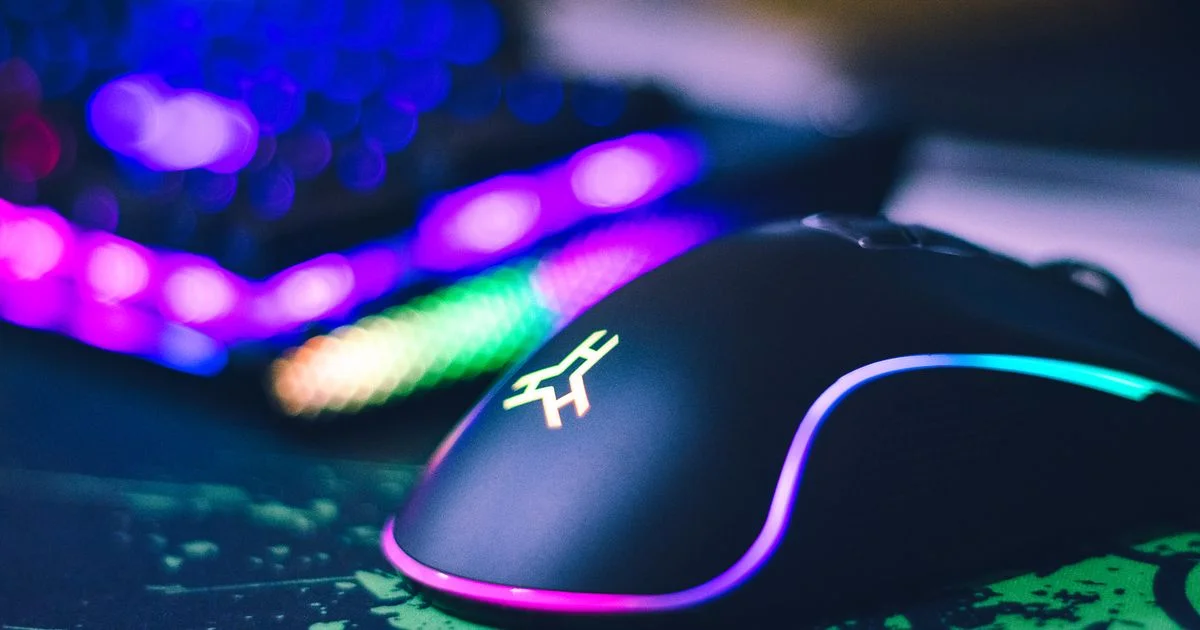
Mouse marketing is built almost entirely around numbers that stopped mattering years ago. This gaming mouse buying guide for FPS games works the other way around: it starts with the two things that genuinely change your aim, and explains why the giant DPI figure on the box is not one of them.
Key Takeaways
- Shape and weight decide how a mouse feels. Everything else is a smaller adjustment.
- Modern sensors are effectively flawless. A 26,000 DPI rating is marketing, not performance.
- Most competitive players sit between 400 and 1,600 DPI with low in-game sensitivity.
- Good 2.4GHz wireless is now competitively equal to wired. Bluetooth is not — never use it for FPS.
- Your mousepad matters more than the last few grams of mouse weight.
Gaming Mouse Buying Guide for FPS Games: Where to Start
The short answer: measure your hand, pick a shape that matches your grip, keep the weight under about 80 grams, use a wired mouse or quality 2.4GHz wireless, and ignore the DPI number entirely.
Following a gaming mouse buying guide for FPS games is mostly an exercise in resisting spec sheets. Two mice with identical sensors can feel completely different, and the one that fits your hand will beat the one with better numbers every time. Aim in shooters is a physical skill, and the mouse is the part of your hardware that your body actually touches.
Measure Your Hand First
Measure from the base of your palm to the tip of your middle finger, and across the widest part of your palm. Manufacturers publish mouse dimensions, and comparing those two numbers against a mouse’s length and width tells you more than any review can. A mouse that is too small forces your fingers to curl, and a mouse that is too large stops you from lifting it cleanly.
Shape and Grip Style Matter Most
How you hold a mouse determines which shape works. Most people fall into one of three grips, and using a shape that fights your grip is the single most common buying mistake.
Palm Grip
Your whole hand rests on the mouse. This is the most stable and least tiring grip, and it favors larger mice with a high, filled-out rear hump. It suits lower sensitivity and big arm movements.
Claw Grip
Your palm touches the back, fingers arch up. Claw grip needs a shorter mouse with a pronounced hump toward the rear. It gives quicker flicks at the cost of some stability.
Fingertip Grip
Only your fingertips touch. This grip is the most agile and the most demanding, and it works best with small, very light mice. If your hand cramps after an hour, you are likely fingertip-gripping a mouse that is too heavy.
Low Latency Mouse Comparison: Wired vs Wireless
A useful low latency mouse comparison has a boring conclusion these days: the wired-versus-wireless argument is largely settled, and it went the way most people did not expect a few years ago.
| Connection | Best for | Trade-off |
|---|---|---|
| Wired | Lowest cost for the performance; never needs charging | Cable drag, unless you add a bungee |
| 2.4GHz wireless dongle | Competitive play without cable drag | Costs more; you have to keep it charged |
| Bluetooth | Travel and office work only | Latency far too high and inconsistent for FPS |
| High polling wireless | Players chasing the last fraction of a millisecond | Drains battery fast for a difference few can feel |
The standard 1,000 Hz polling rate reports your position once per millisecond. Newer mice offer 4,000 or 8,000 Hz, which is a real reduction in delay but a tiny one — and one that costs battery life and CPU overhead. It is the last thing to optimize, not the first.
Sensitivity, DPI, and Your Mousepad
This is where most new players go wrong, usually by setting DPI far too high and then wondering why their aim feels twitchy and inconsistent.

What matters is effective DPI — your mouse DPI multiplied by your in-game sensitivity. Two players with wildly different DPI settings can have identical aim if their effective DPI matches. Most competitive shooters end up needing a long sweep of the arm for a full turn, which is why large mousepads are standard in FPS.
That is also why the pad deserves attention. A small pad forces you to lift and reposition constantly, breaking your aim mid-fight. A large, low-friction cloth pad does more for consistency than shaving ten grams off your mouse.
Competitive Gaming Mouse Review: What Actually Gets Tested
Reading a competitive gaming mouse review is more useful when you know which findings are meaningful. Sensor benchmarks are now almost always a pass, so the useful sections are elsewhere:
- Build rigidity. Squeeze tests reveal creaking shells and flexing side walls, which get worse over time.
- Click latency and consistency. Some switches have noticeably more travel or a mushier release.
- Switch durability. Double-clicking — one press registering twice — is the most common way a mouse dies.
- Cable or feet quality. A stiff cable adds drag, and cheap feet wear down within months.
- Software footprint. Some brands require heavy background software to store settings; better ones save to onboard memory.
FPS Mouse Ranked: How to Build Your Shortlist
Rather than trusting any single FPS mouse ranked list, build your own shortlist. It takes about fifteen minutes and produces a far better match:
- Measure your hand in centimeters, length and width.
- Identify your grip by watching how you naturally hold your current mouse mid-game.
- Filter by dimensions that suit your hand and grip, using published measurements.
- Cap the weight at around 80 grams, and closer to 60 if you use fingertip grip.
- Require onboard memory so your settings survive a different computer.
- Check the warranty, since switch failure is the likeliest problem and is usually covered.
- Buy from somewhere with easy returns. Shape is subjective, and no review substitutes for holding it.
Frequently Asked Questions
A few questions come up in every discussion about FPS mice, and most have simpler answers than the debate around them suggests.
Does a higher DPI make me aim better?
No. High DPI makes the cursor move further for the same hand movement, which makes small corrections harder, not easier. Nearly all competitive players use settings far below what their mouse supports. Treat DPI as a preference dial, not a performance number.
Is a wireless mouse a handicap in competitive play?
Not with a modern 2.4GHz dongle. Professional players use wireless mice at the highest level. The important distinction is dongle-based wireless versus Bluetooth — Bluetooth adds enough inconsistent delay to be genuinely noticeable.
How light should an FPS mouse be?
Under 80 grams suits most people, and many players prefer 60 grams or less. There is a floor, though: extremely light mice can feel unstable for players who use large, slow arm movements. Lighter is not automatically better.
How long should a gaming mouse last?
Several years of regular use is reasonable, and switches are usually the first thing to fail rather than the sensor. If a mouse starts registering double clicks on a single press, that is the switch wearing out — and it is worth checking your warranty before replacing the whole mouse.
The Bottom Line
Buy for your hand size and grip, keep the mouse light, and use wired or 2.4GHz wireless. Then spend your remaining budget on a large mousepad and leave DPI low — that combination will do more for your aim than any spec on the box.


1 Comment
Comments are closed.