

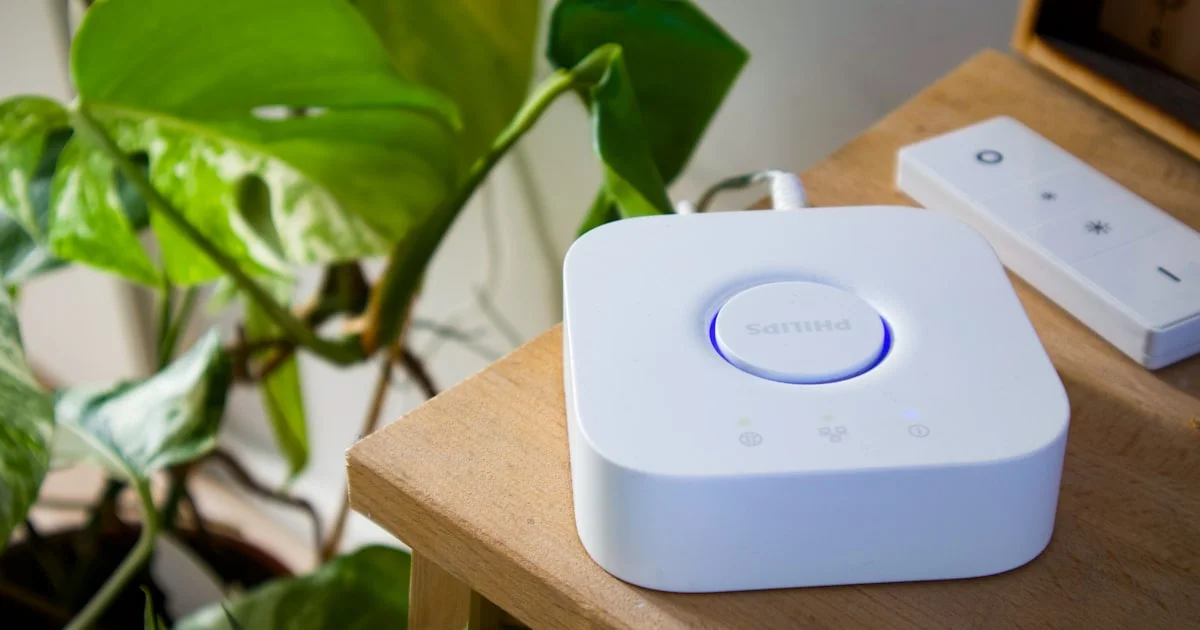
Most smart home regret comes from the same mistake: buying devices one at a time until nothing talks to anything else. The smart home buying guide tips below are built around avoiding that, starting with the one decision that shapes every purchase after it.
Key Takeaways
- Pick your ecosystem first — Alexa, Google Home or Apple Home. Buy to fit it.
- Start with three devices, not thirty. Live with them for a month before expanding.
- Matter makes cross-brand compatibility easier, but it is not magic and not universal.
- Check the boring stuff: a C-wire for thermostats, a neutral wire for switches.
- Anything with a camera or microphone deserves a strong, unique password and two-factor login.
Smart Home Buying Guide Tips That Matter Most
The short answer: choose one ecosystem, buy only devices that work with it, and add gadgets slowly enough that each one earns its place. Nearly every smart home frustration traces back to skipping one of those three.
Pick Your Ecosystem First
Your ecosystem is the app and voice assistant that runs everything. Alexa has the widest device support. Google Home tends to have the best voice recognition. Apple Home is the most privacy-focused and the most restrictive about what it will accept.
The easiest rule: pick the one matching the phones in your house. Fighting your own phone every day is a bad trade for a slightly cheaper light bulb.
What Matter Actually Solves
Matter is a shared standard backed by Apple, Google, Amazon and Samsung. A Matter-certified device should work across all the major ecosystems rather than locking you to one.
That is genuinely useful, and it is a good default filter when shopping. But not every device supports it, older gear will not gain it, and some manufacturer features still only appear in that brand’s own app. Treat Matter as insurance, not as a guarantee.
Best Smart Home Devices for Beginners
The best smart home devices for beginners are the ones that solve a problem you actually have. Start with three, and choose from this list.
- Smart plugs — the cheapest possible entry. Makes any lamp or fan smart, and nothing is permanent.
- Smart bulbs — instant payoff, no wiring, and schedules make a house look occupied when you travel.
- A video doorbell — the device most people say they would not give up.
- A smart thermostat — the one most likely to pay for itself through lower energy bills.
- A smart speaker or display — the hub that ties voice control together.
Skip smart locks until you are comfortable. They are excellent, but a failed lock is a much bigger problem than a bulb that will not turn on.

Home Automation Setup Checklist
Work through this home automation setup checklist in order. Doing step one last is how people end up rebuilding everything.
- Check your wifi first. Most smart devices sit on the 2.4GHz band. If your router hides that band or your signal is weak in the garage, fix it before buying anything.
- Choose the ecosystem and install its app before your first device arrives.
- Set up the hub or speaker and confirm voice control works.
- Add devices one at a time, testing each fully before opening the next box.
- Name things in plain language. “Kitchen light” beats “Hue Bulb 3” every time you speak to it.
- Group by room so one command can control several devices.
- Build routines last, once you know how you actually use the space.
- Teach the household. A smart home only one person can operate is a problem, not a feature.
Smart Home Gadgets Comparison
This smart home gadgets comparison covers the starting categories by what you get for the money and effort.
| Device | Setup effort | Everyday value | Watch out for |
|---|---|---|---|
| Smart plug | Minutes | High for lamps and fans | Bulky ones block the second outlet |
| Smart bulb | Minutes | High | Useless if someone flips the wall switch off |
| Video doorbell | Moderate, may need wiring | Very high | Subscription fees for video history |
| Smart thermostat | Moderate, wiring involved | High, cuts energy bills | Needs a C-wire in most homes |
| Smart lock | Higher | Moderate | Door and deadbolt compatibility |
| Robot vacuum | Low | High if you have pets | Needs floors kept clear to work well |
Mistakes That Make People Give Up
Buying across four brands. Four apps, four logins, and routines that cannot span them.
Smart bulbs behind a normal switch. Somebody flips the switch, the bulb loses power, and now voice control is dead. Either use a smart switch instead, or put a cover over the wall switch.
Over-automating early. Lights that turn off while someone is still in the room turn a household against the whole project within a week.
Ignoring what happens when the internet drops. Some devices keep working locally, others become useless. Worth checking before you depend on one.
Privacy and Security Basics
Every smart device is a computer on your home network, and cameras and microphones deserve real care.
Use a unique password for each account and turn on two-factor authentication wherever it is offered. Keep firmware updated, since patches usually fix real vulnerabilities. If your router supports a guest network, putting smart devices on it keeps them separated from your laptops and phones.
Before buying a camera, read how the company stores footage and for how long. That policy matters more than the megapixel count.
Frequently Asked Questions
These come up most from people setting up their first smart home. If you are unsure where to begin, the answers below should help.
Do I need a separate hub?
Often not. Many devices connect over wifi directly. You need a hub for Zigbee, Z-Wave or Thread devices, and a smart display or newer speaker frequently doubles as one.
Will smart devices raise my electricity bill?
Barely. Standby draw is tiny, and a smart thermostat usually saves far more than the rest of your devices consume.
Can I mix Alexa and Google Home?
You can run both, and plenty of devices support each. It doubles your admin work though, so most people are happier picking one and staying with it.
What happens if the company shuts down?
Cloud-dependent devices can stop working entirely, which has happened before. Devices that support local control or Matter are the safer long-term bet.
The Bottom Line
Choose one ecosystem, check your wifi before you buy anything, and start with three devices that fix real annoyances. Expand only once those three have earned their place, and your smart home will stay useful instead of becoming a drawer of abandoned gadgets.


1 Comment
Comments are closed.