

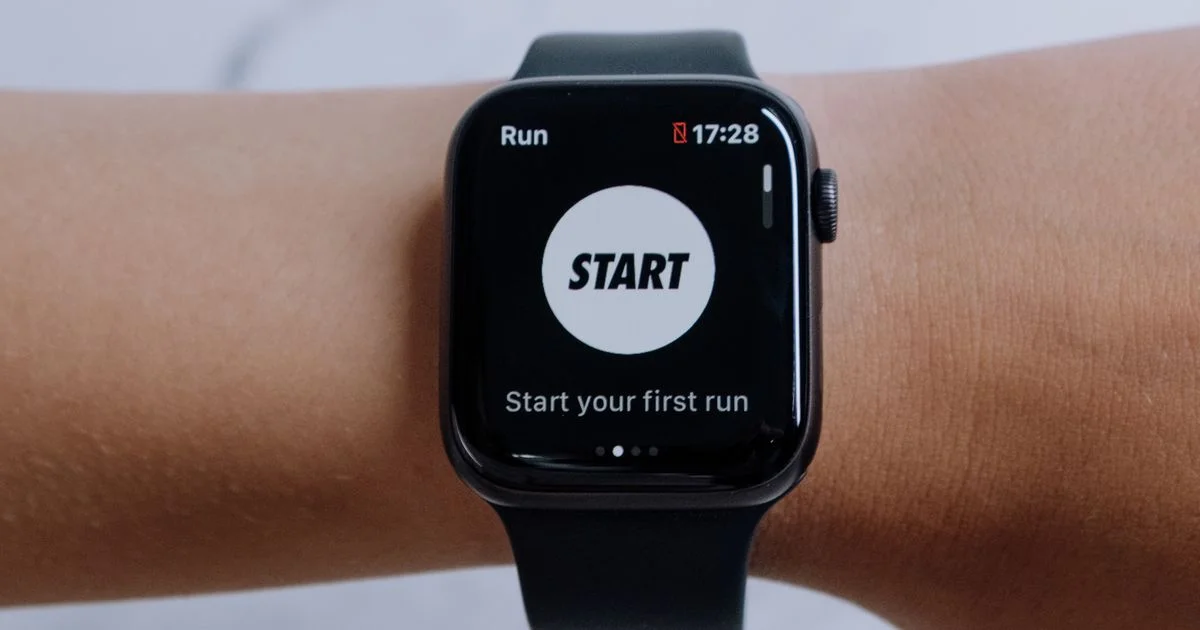
Plenty of people want the step count, the heart rate and the run log without carrying a slab of glass everywhere. The best fitness tracker without smartphone needed is the one that records, displays and stores your data on the wrist itself, and only asks for a phone when you want to look at history. That last part is where most buyers get caught out.
Key Takeaways
- Almost no mainstream tracker is completely phone-free. Nearly all need a phone or a computer once, during setup.
- Garmin is the most computer-friendly option — you can set up and sync over USB with Garmin Express and never open a phone app.
- Built-in GPS is the single most important spec. Without it, your watch borrows the phone’s location, which defeats the point.
- Safety features are the real trade-off. Fall detection and live location sharing generally need a paired phone to send anything.
- An LTE model is the only genuinely independent option, and it costs a monthly carrier fee on top of the device.
What the Best Fitness Tracker Without Smartphone Needed Really Means
The short answer: it means a tracker that does its whole job on your wrist — sensors, screen, storage and GPS — instead of using the phone in your pocket as its brain. The best fitness tracker without smartphone needed still has to talk to something eventually, because a watch holds only a few weeks of detailed history. The realistic goal is not “never touch a phone.” It is “never carry one.”
That distinction matters, because marketing blurs it. A tracker advertised as standalone usually means it records workouts alone. It rarely means you can unbox it, create an account and read a year of trends without any other device in the house.
Setup Is the Catch Nobody Mentions
This is the honest gate that decides whether a device works for you at all, so it belongs at the top rather than in the fine print.
Creating an account and registering the watch almost always happens on another device. What changes between brands is which other device.
- Garmin is the friendliest here. You can enter your details on the watch, then connect it to a PC or Mac by USB and use Garmin Express to register it and push data into your Garmin Connect account. The Connect website works in a browser, so a phone is genuinely optional.
- Apple Watch requires an iPhone to set up. There is no computer path around it.
- Samsung’s Galaxy Watch line changed. Older models offered a setup-on-the-watch option, while Watch4 and later run Wear OS and ask for a compatible Android phone during initial setup. LTE versions can operate independently afterward.
- Fitbit runs its setup through the mobile app.
So if the phone-free requirement is absolute and you own a computer, the search narrows fast.
Fitness Tracker No Phone Needed: The Four Specs That Decide It
Once setup is handled, a fitness tracker no phone needed shopping list comes down to four things. Check them in this order, because each one makes the next one matter less.
- Built-in GPS. Some cheaper bands use “connected GPS,” which is a polite way of saying they read your phone’s location. If the phone stays home, your route and pace are estimated from arm swing. Insist on onboard GPS.
- On-device history. Ask how many days of detail the watch holds before it starts overwriting. A few weeks is typical; some show roughly two months of activities on the watch itself.
- Wi-Fi syncing. A watch that syncs over your home Wi-Fi can upload to your account without a phone or a cable. This is the quiet feature that makes phone-free living painless.
- Onboard music storage. If leaving the phone behind means leaving your music behind, most people quietly start carrying the phone again.

Standalone Fitness Tracker Review Checklist
Any honest standalone fitness tracker review has to test the device the way you will actually use it, not the way the box describes it. Before the return window closes, run these checks:
- Leave the phone at home and record a 20-minute walk. Does the map look like the route you took?
- Check whether the watch found GPS in under a minute, or spent five minutes searching at the curb.
- Read the workout summary on the watch. Some brands show almost nothing until you sync.
- Try to change a setting — alarm, activity goal, watch face — without the app. Many can only be changed from the phone.
- Look at what the battery did. GPS is the biggest drain, and phone-free use means GPS every session.
The safety features you give up
This deserves saying plainly. Fall detection and incident detection need a route to the outside world. On a non-LTE watch, that route is the paired phone. Leave the phone behind and the watch may still notice a hard fall, but it has no way to call anyone. Live location sharing works the same way. If you run alone on empty roads, that is a genuine reason to either carry a phone or buy an LTE model.
Offline Fitness Tracker Comparison: Three Ways to Go Phone-Free
An offline fitness tracker comparison is really a choice between three device classes. None is best overall — they suit different people.
| Type | Best for | Trade-offs |
|---|---|---|
| Basic band, no GPS | Step counting, sleep and heart rate for someone who just wants fewer screens | No real route or pace data; small display; usually app-only setup and settings |
| GPS sports watch (no cellular) | Runners, walkers and cyclists who want accurate sessions with the phone left at home | Needs Wi-Fi or a cable to sync; no calls or texts; emergency features stay offline |
| LTE smartwatch | Anyone who wants calls, messages and emergency help with no phone at all | Monthly carrier fee; shortest battery life; still needs a phone for first setup on most models |
Who This Actually Suits
Three groups get real value from going phone-free, and it is worth knowing which one you are in.
The first is runners and hikers who simply do not want to carry a phone on a workout. For them a GPS sports watch solves the whole problem. The second is people deliberately reducing screen time, who want the health data without the notifications — a basic band or a watch with notifications switched off does the job. The third is families setting up a device for an older relative or a child who has no smartphone. That third case is the one where an LTE model usually earns its monthly fee, because the ability to call for help is the entire point.
Frequently Asked Questions
These are the questions that come up most often once people start shopping with the no-phone requirement in mind, and the answers are less obvious than the product pages suggest.
Can I set up a fitness tracker with only a computer?
With Garmin, yes — Garmin Express on a PC or Mac registers the watch and syncs it over USB, and Garmin Connect runs in a browser. With Apple Watch, no. Other brands vary, so check the specific model before buying rather than assuming.
Will my data be lost if I never sync?
Not immediately, but eventually. A watch stores a limited window of detailed activity — often a few weeks to a couple of months — then begins overwriting the oldest entries. Syncing to a computer or over Wi-Fi every few weeks is enough to keep everything.
Does a tracker without a phone still measure heart rate accurately?
Yes. The optical sensor sits against your wrist and works entirely on the device. The phone was never involved in that measurement. Wrist sensors are less accurate than a chest strap during hard intervals, but that is true whether a phone is present or not.
Is an LTE watch worth the monthly fee?
It depends on whether you need to be reachable. If the goal is just clean workout data with no phone in your pocket, a GPS sports watch does that for no ongoing cost. If the goal is that someone can reach you — or you can call for help — LTE is the only version that delivers it.
The Bottom Line
Going phone-free is very achievable, as long as you accept one compromise up front: a phone or a computer will touch the device at setup, and periodically after that. Choose onboard GPS, confirm the sync path before you buy, and be honest about whether you need the emergency features that only work when something is connected.


2 Comments
Comments are closed.